The family video call starts in five minutes. Your parent’s phone is charged, but the familiar button seems to have disappeared. Do they need someone to explain the new screen, fix the phone, or simply sit beside them while they find their way?
Those are different requests. Choosing technology help for an older parent or spouse in Washington State starts with the task—not their age. A lesson calls for someone who can teach. A malfunction calls for technical troubleshooting. Repeating a familiar digital routine may fit within an existing caregiver’s visit, but only after the agency confirms the task and boundaries.
Home care shouldn’t be a substitute for technical support. Here’s how to choose the right starting point while keeping your parent or spouse in control of their device.
Start with what’s getting in the way
Before booking help, ask your family member to show you where they get stuck. Try not to reach for the device immediately. What happens next can help clarify the request.
| What your parent or spouse describes | A sensible starting point |
|---|---|
| “The phone works, but I want to learn how to send photos.” | A technology tutor or library learning help |
| “The screen freezes, or the app keeps failing.” | Technical troubleshooting, followed by repair if needed |
| “I know how to make the call, but I’d like someone beside me.” | Ask whether an existing caregiver can provide agreed routine assistance |
These are task-based recommendations, not rigid job categories. Some technology providers offer both instruction and troubleshooting. The useful question is what they’ll do during the appointment—and what they won’t.
Describe the goal narrowly: “Practice joining a family video call on this phone” is more useful than “Help with technology.” If you can, note the device, app, and exact point where the difficulty occurs.
Book a lesson for learning, not just a quick fix
If the device works and your parent wants to learn, look for help that leaves them able to repeat the task. Having someone send one photo for them may finish today’s job without teaching tomorrow’s.
Before arranging a tutor, ask:
- Will you teach on my parent’s own device?
- Will they hold it and practice the steps themselves?
- Can you focus on one or two goals rather than a broad tour of features?
- Can you leave a short, personalized instruction sheet?
Ask your parent or spouse what they actually want to do. Learning to exchange photos with a sibling may matter more to them than mastering every feature you find useful.
For a malfunction, the questions change. Ask about diagnostic charges, the proposed work, how personal data will be handled, and whether changes require approval. Confirm whether the provider actually performs hardware repairs; offering setup and troubleshooting doesn’t necessarily mean repairing a damaged device.
If a visit combines teaching and technical work, ask the helper to explain when they’re switching from one to the other. Don’t let “show me how” quietly become permission to change accounts or settings.
Try your Washington library for basic learning help
For a basic learning question, your local library is a useful first inquiry. Ask about current services before making the trip, especially if your parent wants help on their own smartphone or tablet rather than a library computer.
King County Library System documents free computer learning help and has advertised one-on-one assistance with basic computer, smartphone, and tablet questions. That’s a regional example—not a statewide service or a promise that a particular session is currently available.
Elsewhere in Washington, ask your own library:
“My parent wants to practice joining a video call on their phone. Do you offer that kind of help? Is it appointment-based or drop-in? Do they need a library card, and what’s outside your scope?”
The Washington State Library’s Digital Inclusion Resource Collection also lists learning tools, including Northstar Digital Literacy and short, self-paced resources. Ask your local library about current access rather than assuming every listed tool includes enrollment or personal instruction.
Check older referrals carefully. The Washington Department of Commerce says its former Digital Navigator program ended in June 2025. Don’t treat it as an operating statewide referral. That closure doesn’t mean every independently funded digital-help service also ended; confirm each offering directly.
Before asking a caregiver, agree on the exact task
A familiar digital activity may come up during otherwise-needed care: opening a known calling app, reading an instruction card, or helping send a photo your parent has chosen. That doesn’t automatically make it part of a caregiver’s role.
Ask the agency about the specific activity before putting it on the visit schedule:
- Can the assigned caregiver assist with this familiar task?
- Does it need to be included in the agreed care plan?
- Would additional training be needed?
- What should happen if the screen changes or the caregiver can’t help?
Veya’s listed services don’t establish a technology-support offering. Don’t assume device repair, account recovery, app installation, or remote support is included. Even a small request should be confirmed rather than left for the caregiver and your parent to negotiate during a visit.
The distinction is practical: following an agreed card to open a familiar app is different from investigating why that app no longer works.
Write instructions your parent can actually use
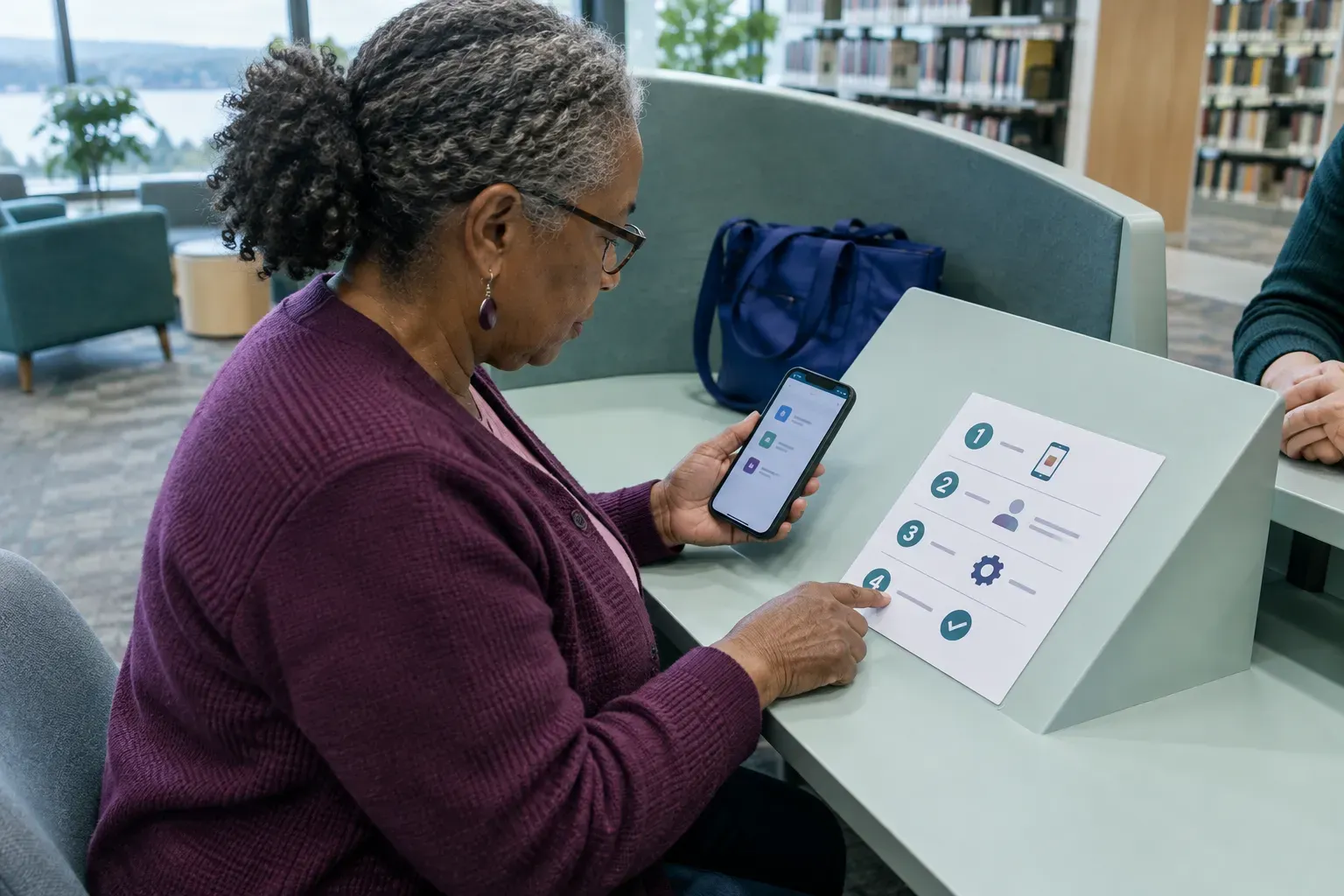
A short instruction card can make assistance less intrusive. Instead of taking the phone and completing the task, a helper can ask, “Would you like to try the next step?”
As a starting format, use one task per page, the device’s name, large numbered steps, and labels that match the actual screen. Include a clear stopping point.
For a familiar video call, a draft might read:
- Open the calling app you normally use.
- Select the agreed family contact.
- Tap the video symbol.
- When you’re finished, use the end-call button.
- If the screen looks different from these instructions, stop and ask for help.
Replace the general wording with the app’s actual name and recognizable screen labels. Have your parent test and approve the card on their own device. If a step needs explaining every time, revise it together rather than adding a long paragraph.
Keep passwords and recovery codes off the card. And ask before taking control of the device—even when doing it yourself would be faster.
Set boundaries before anyone opens an account
Agree on a few rules with your parent or spouse and anyone helping them. They should approve each task, and helpers shouldn’t retain passwords or verification codes.
Purchases, subscriptions, account changes, and remote-access installations should require separate, explicit approval. For ordinary caregiver assistance, exclude these sensitive tasks unless the agency has expressly agreed to an appropriate process. A family member’s casual request shouldn’t expand the caregiver’s responsibilities.
Also distinguish help you requested from help that arrives unexpectedly. The Federal Trade Commission warns that unsolicited technical-support contacts may seek remote access, payment information, or passwords. Start through a known, trusted contact—not a pop-up message or an unexpected caller claiming the device needs attention.
A useful household rule is simple: a request for payment, account access, or remote control means pause and verify before proceeding.
Know when routine help should stop
Don’t turn every unsuccessful attempt into another round of guessing. Return to a tutor or technical specialist when:
- The same failure keeps happening despite following the written steps.
- An unfamiliar sign-in or account-recovery screen appears.
- The device or connection repeatedly fails.
- Continuing would require payment, account changes, or remote access.
Write down the exact error message and what happened immediately before it appeared. If you record a screen for the specialist, avoid including private messages or account details.
These are handoff rules, not conclusions about your parent’s abilities or the device’s condition. Sometimes the instructions need updating; sometimes the underlying problem needs technical attention.
Where everyday home support fits
If your parent needs only an occasional technology lesson, a tutor or library offering is the more appropriate starting point. Veya has a weekly service minimum, so a stand-alone lesson isn’t a sensible reason to arrange its care services.
If your family also needs companionship, personal assistance, meal preparation, or light household support in King or Snohomish County, you can explore Veya’s non-medical home care services and ask whether a narrowly defined, familiar digital task could fit the agreed care plan. Veya serves those two counties, not all of Washington State. Start dates depend on matching a caregiver’s skills and availability to the requested schedule.
The aim isn’t to find one person who can handle every screen. It’s to match each task to the right helper—and leave your parent or spouse with as much choice and control as possible.
Care starts at $45 per hour with a 20-hour weekly minimum. Your rate and service terms are confirmed before care begins.
This guide is general information about non-medical support at home. For diagnosis, treatment, medication, or other medical decisions, speak with a qualified healthcare professional.
Sources
- King County Library System — Technology FAQs
- King County Library System — Tech Help Mondays
- Washington State Library — Digital Inclusion Resource Collection
- Washington Department of Commerce — Commerce responds to audit of shuttered Digital Navigator program
- Federal Trade Commission — Tech Support Scams